
Edit Image
An AI photo editor you point at, not prompt
An AI photo editor that takes visual instructions instead of prompts. Draw an arrow at the thing you want changed, write what it should become, and let the image carry the context.
From a picture to a precise brief
- 1
Add your image
Choose a PNG, JPEG or WebP, drop a file onto the canvas, or paste from your clipboard. Files up to 25 MB are accepted, and the workspace prepares a working copy at up to 1,800 pixels on the long edge. If you would rather see the idea before committing your own photo, load the example image instead.
- 2
Mark the changes
Drag an arrow from an empty area to the object you mean, then write a short instruction for that mark. Each note holds up to 250 characters, and while you work you can bend the arrow, move either end, change its color or delete it entirely.
- 3
Generate and compare
The AI photo editor sends your original photo and the marked reference together, along with every instruction you wrote. Follow the task while it runs, compare the result against the original with the slider, then download the version you want to keep.
A location for every instruction
An arrow connects your words to a visible part of the image, so you never have to write the second bottle from the left or the shadow behind her shoulder. Edit several objects in the same request, each with its own numbered note, and let the picture do the work of explaining where.
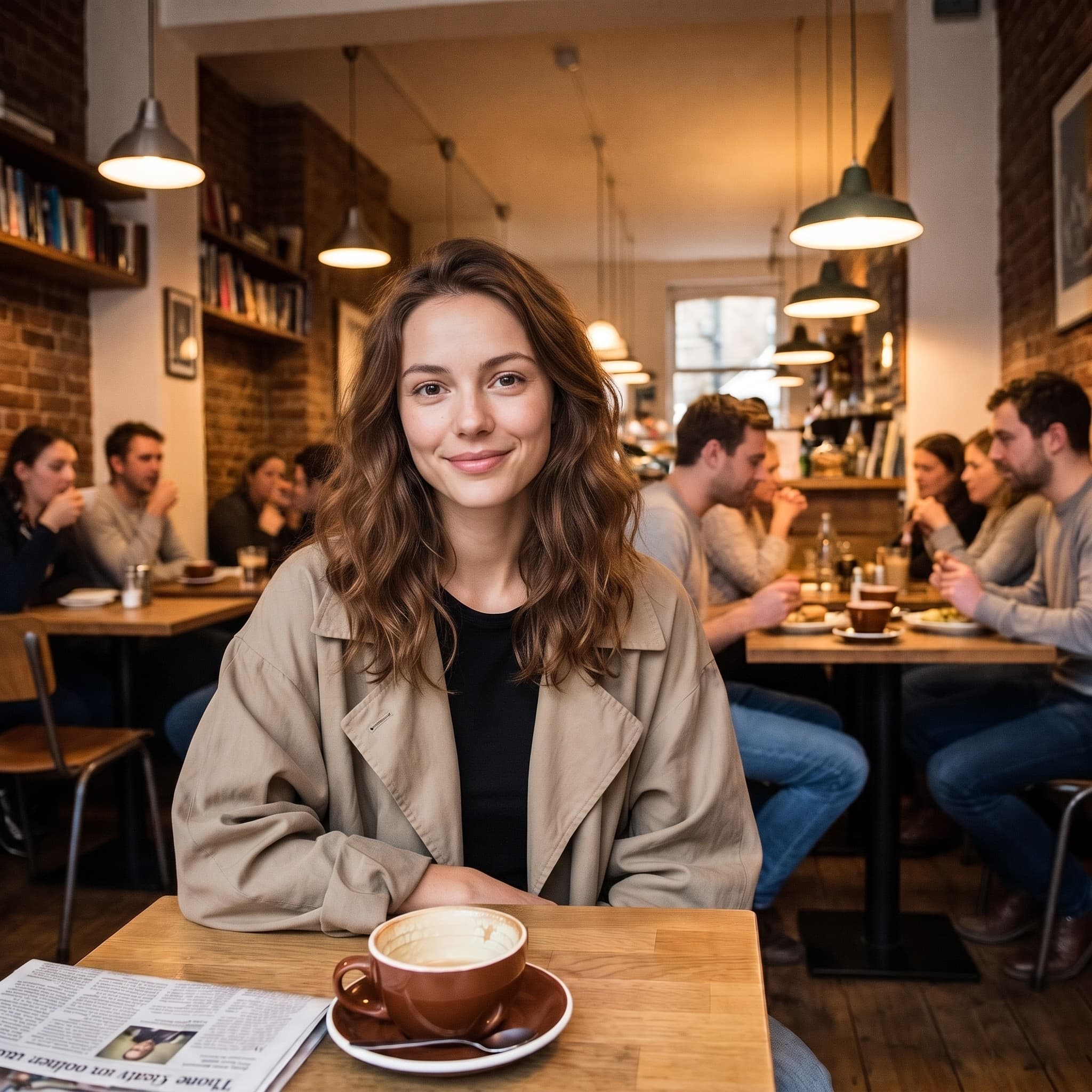
Your original stays available
Nothing is written over your source file. The result arrives beside the original with a comparison slider you can drag across the frame, which is the quickest way to spot a change you did not ask for. AI edits can affect nearby details, so review before downloading.
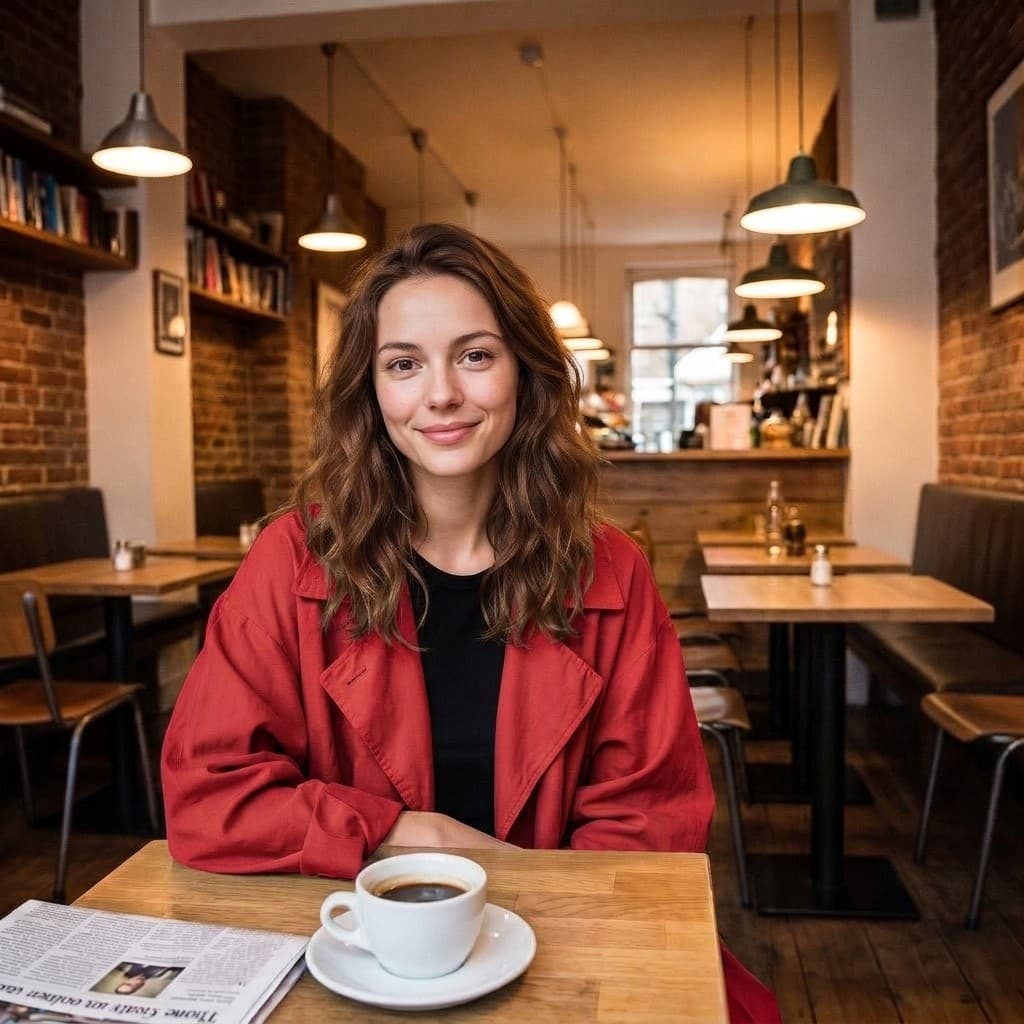
A lighter kind of AI photo editor
Spend your attention on the image, not on the toolbar.
No masking required
Mark a subject and describe the change without tracing a selection or feathering an edge. The arrow is the selection, and placing one takes about a second.
Several changes together
Add up to 12 independent marks in one brief, each with its own instruction. A single request can carry a color change, a swapped prop and a note about the light all at once.
Room for the whole picture
An optional overall note holds up to 1,800 characters for anything that applies to the frame rather than one spot: lighting, mood, or details you would rather leave alone.
Two ways to edit
Precise edit asks the model to leave unrelated regions as they are. Redraw gives it room to rework the frame so a larger change can settle in coherently.
Reversible while you work
Undo and redo run back through your recent marks. Arrow ends can be dragged after the fact, one mark can be deleted without touching the rest, and a clear-all button resets the brief.
Nothing to install
The editor runs in the browser you already have. No download, no plugin and no sign-up: add a photo, mark it up and generate up to 2 free edits a day with Nano Banana 2.1. Sign in with Google for more edits and the other models; your first sign-in comes with 10 free credits.
A small toolkit for image making
Create, edit and isolate subjects in one place.
Annotate & Edit
Direct changes with arrows and words.
Create Image
Start a new image from a written idea.
Remove Background
Make transparent cutouts on your device.
More ways to work with your photo
Who reaches for this AI photo editor
Product photography
- Ask for a different colorway on the product itself while the set, the shadow and the reflection stay where the photographer put them.
- Point at a prop that fell out of the story and describe what should sit there instead.
- Warm or cool the light across the whole frame with the overall note, then compare the result against the shot you started from.
Creative and concept work
- Test a material change on a single object, brushed metal instead of matte plastic, without rebuilding the render.
- Mark two or three elements at once when a direction needs to move together rather than one piece at a time.
- Switch to Redraw when the idea has travelled far enough that the frame should be rethought around it.
Social and everyday photos
- Ask for a different setting behind a portrait and keep the person the way they were photographed.
- Point at the stranger walking through the edge of a holiday photo and ask for them to go.
- Clean up a sign, a cable or a reflection that only became obvious once you were home and looking properly.
Anyone briefing an image
- Marks read like notes on a printed proof: numbered, placed on the thing they refer to, and short enough to act on.
- The annotated reference doubles as a record of what was asked for, which helps when a result comes back wrong.
- No editing vocabulary is required, so the person who knows what the picture needs can ask for it directly.
What is an annotation-based AI photo editor?
The image answers where. Your words answer what. Four pieces go to the model together, and understanding them makes the results easier to predict.
The original
Your source photo carries the content, the composition and the light. It is prepared as a working copy at up to 1,800 pixels on the long edge and sent as it is, so the model can see what already works.
The marked reference
A second copy is drawn in your browser with the numbered arrows painted onto it. The model receives both images and is told which is which, so the numbers in your instructions line up with places on the picture.
The written brief
Every mark contributes a numbered line, and the optional overall note is appended at the end. Together they become the prompt: specific where you were specific, quiet everywhere else.
The result
A newly generated image arrives in the result panel with a slider for comparing it against the photo you started from. Nothing is written back to your file, so the source stays exactly as you added it.
A visual brief, with fewer words
Instead of describing the second object from the left, point to it. This AI photo editor sends three things to the model at once: your original photo, a reference copy with the arrows drawn on it, and the numbered instructions you wrote. Position stops being something you have to spell out in a sentence.
Precise edit asks the model to preserve unrelated regions. Redraw allows broader visual changes, which suits a request that only reads correctly if the whole frame moves with it. Neither mode guarantees pixel-identical preservation, because what comes back is a newly generated image rather than a patch laid over yours. Always compare the result.
That is the honest trade in any generative AI photo editor, and it is why the comparison slider sits next to the download button instead of behind it. Check hands, lettering, logos and small background objects first. Those are the places a regenerated frame is most likely to drift, and they take seconds to look at.
When the whole photo should change style rather than one marked area, use Image to Image: it keeps the composition of your photo as a reference and follows a written direction for the look, such as watercolor, film or a new setting.
AI photo editor questions
Can I change several things at once?
Yes. Add up to 12 marks and write a separate instruction for each, up to 250 characters per mark. They travel in a single request, so the model reads them as one brief rather than a queue of separate edits.
Are my images uploaded?
Adding and marking an image happens locally in your browser. When you generate an edit, the original, the marked reference and your instructions are sent to the image provider so the model can do the work.
Can I undo a mark?
Yes. The annotator supports undo and redo, dragging either end of an arrow after it is placed, bending the curve, recoloring a mark and deleting a single one. There is also a clear-all button for starting the brief over.
Does Precise edit preserve every other pixel?
It asks the model to preserve unrelated areas, but generative editing can still change them. The output is a new image rather than a patch, so use the comparison slider to review it at full size before you download.
What should I write in a mark?
Whatever the change is, in plain language. Make this green, take this out, replace it with a ceramic mug. Each mark holds up to 250 characters, and anything that applies to the whole frame belongs in the overall note instead.
Do I need an account to edit a photo?
No. You can add an image, mark it up and generate up to 2 edits a day for free without an account, using the Nano Banana 2.1 model. When many people are editing at once, free edits wait in a short queue and the page shows your place and an estimated wait. Sign in with Google to skip the queue, choose any model and keep going with credits; your first sign-in adds 10 free credits. Free background removal never needs an account.
How do the free edits work without an account?
You get 2 free edits a day with Nano Banana 2.1, shared with AI redraw on the remove-people and remove-objects pages. Only edits that are actually generated count: if a request fails, or its result is held back by our safety check, it does not count, and the button cannot start the same request twice. One edit counts as one however many marks it has; generating again counts as another. The allowance resets at 00:00 UTC, which is 8:00 AM in Beijing and 7:00 or 8:00 PM the previous evening in New York, depending on daylight saving time.
Which files can I edit?
PNG, JPEG and WebP up to 25 MB. Larger dimensions are fine to drop in, but the workspace edits a copy at up to 1,800 pixels on the long edge, so a much bigger file mostly costs you time.
How long does an edit take?
It depends on the model you picked and how busy the provider is. The workspace follows the task while it runs, and if the wait goes long you can check the existing task again rather than starting a second one.